
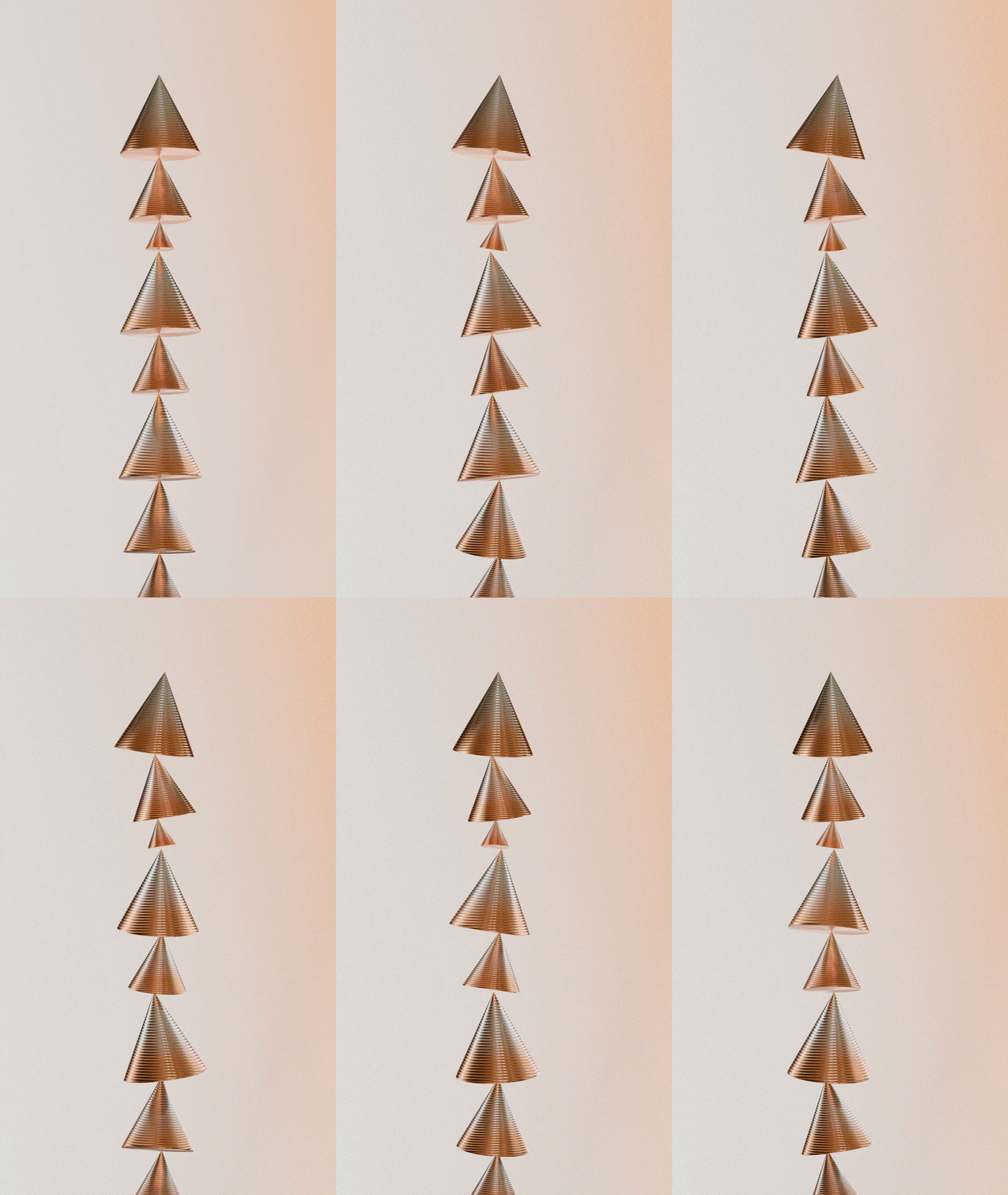

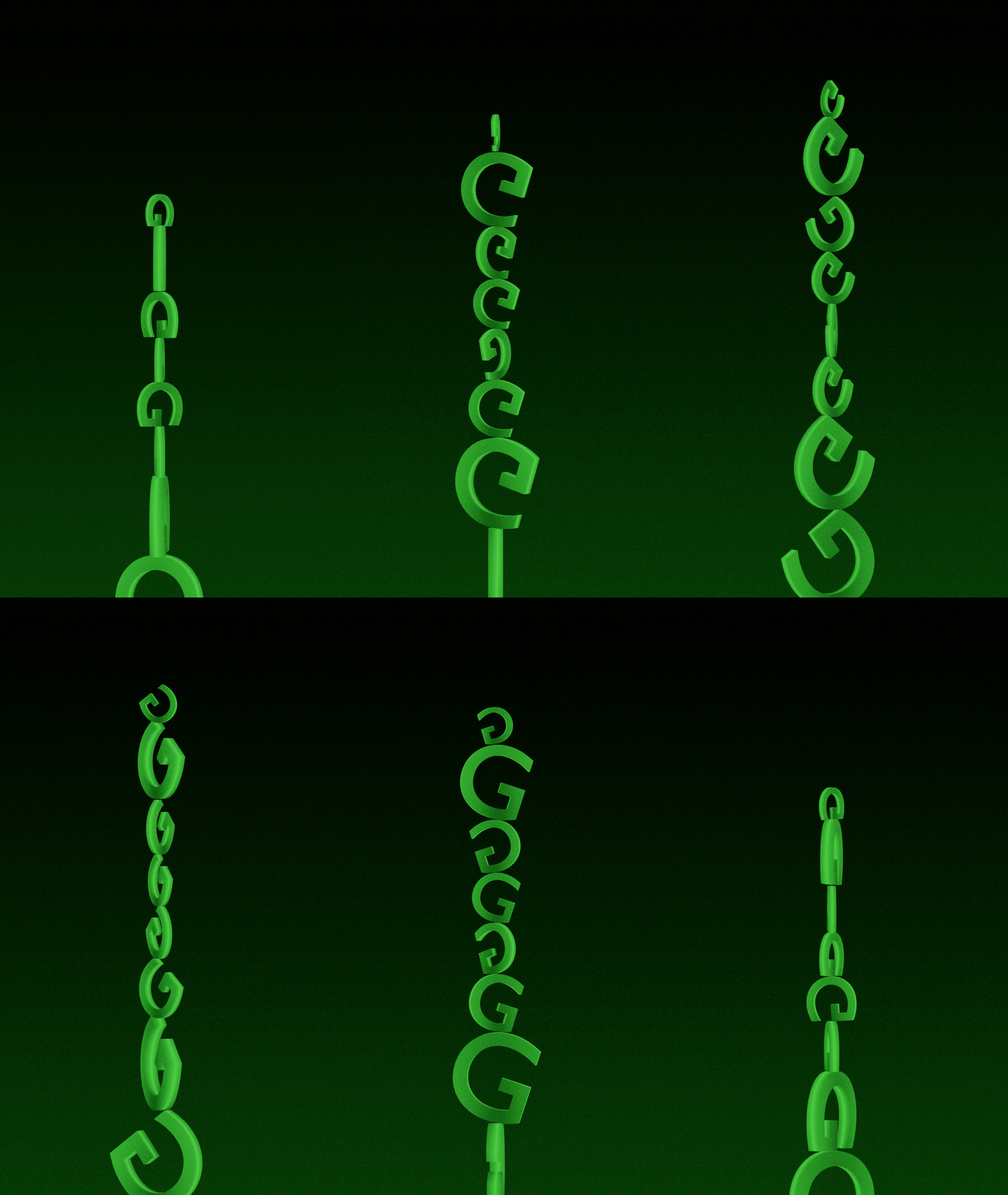
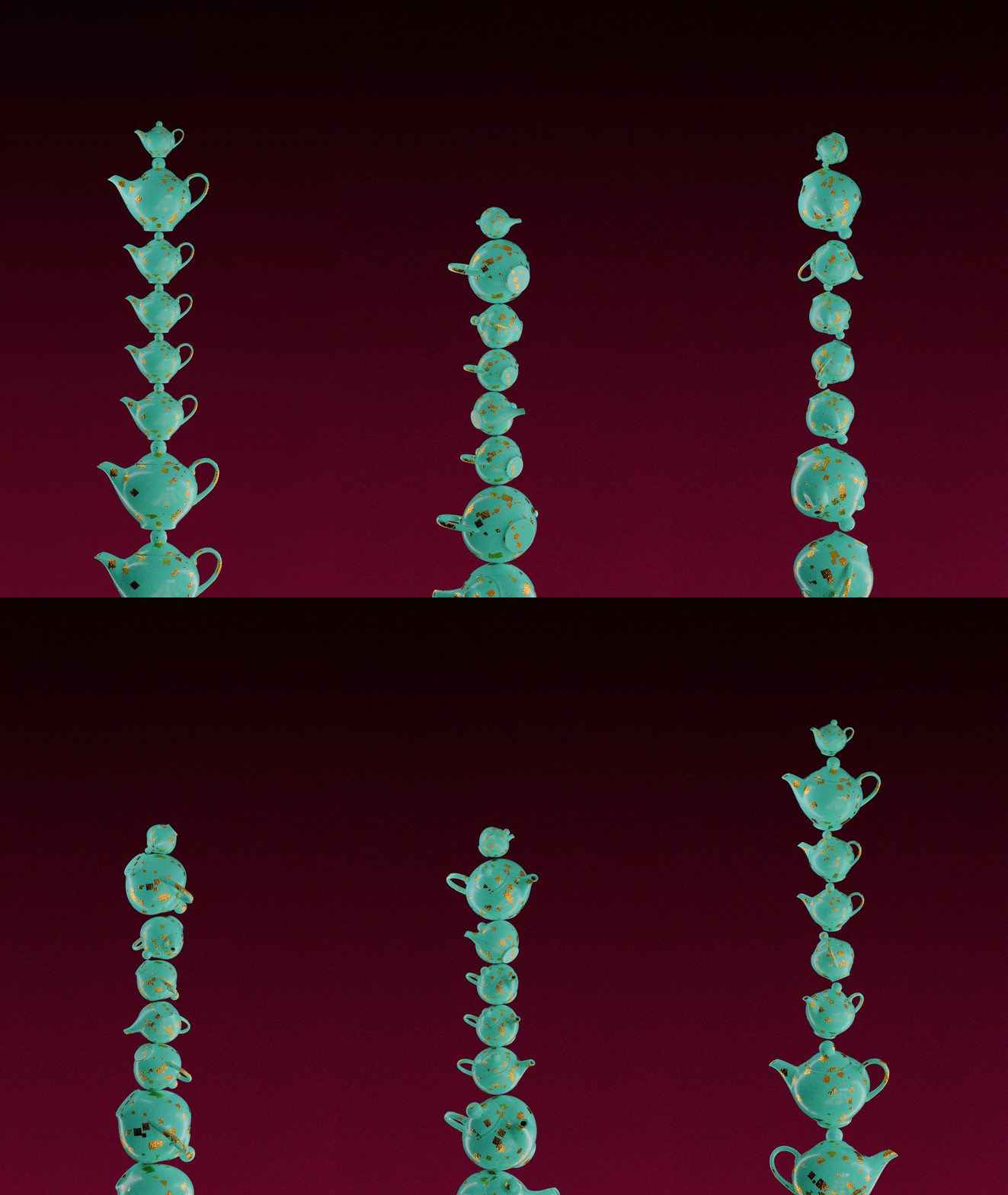
I have been experimenting with a simple, fully procedural setup to make objects rotate, bounce, and do their own little balancing act. The idea was to keep it simple, fun, and easy to play around with!
Play around with it, experiment, break it, fix it, and make it your own. There are still a few small glitches, so if you find a better way to make it work, please let me know!
Scroll down to download the Blend File👇
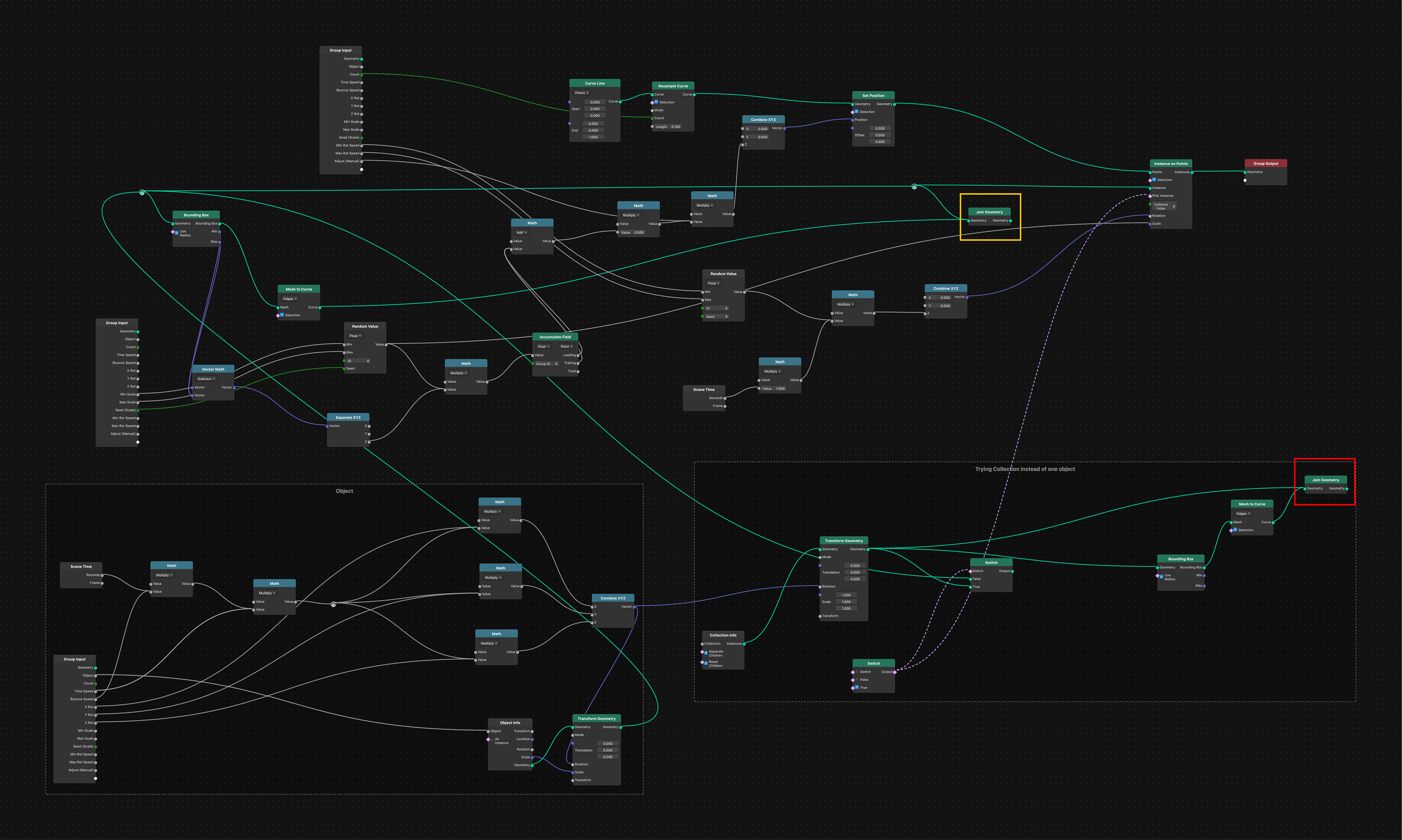
The setup uses the bounding boxes of the objects to calculate the distance between them and create a procedural stacking effect. The Accumulate Field node adds up these distances to determine the position of each object in the stack. When you rotate the individual objects, their bounding boxes change accordingly, which affects the spacing and creates the illusion of the objects balancing against each other.
You can connect the Join Geometry node highlighted in yellow to the Instances on Points node to see exactly how the stacking works. I’ve also experimented with using a collection instead of a single object. Connect the Join Geometry node highlighted in red to Instances on Points to try mixing different objects and see how they behave within the setup.
The collection version isn’t working perfectly yet, so feel free to experiment, improvise, and fix or build upon it!